Noeza

Your reminders, on every customer's lock screen.

Email gets ignored. Texts get muted. A calendar reminder rings through, right on the lock screen, where people actually look.

Start free trial

Free to start. No card required.

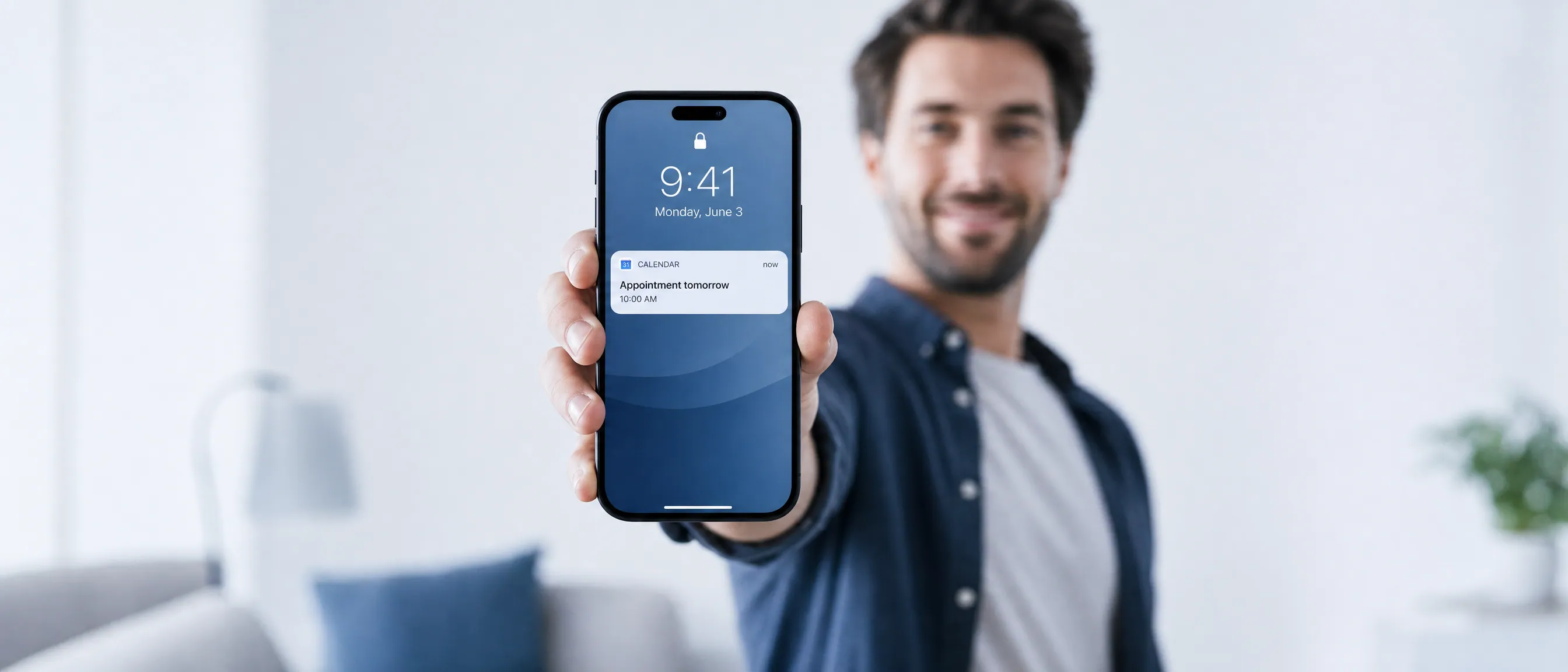
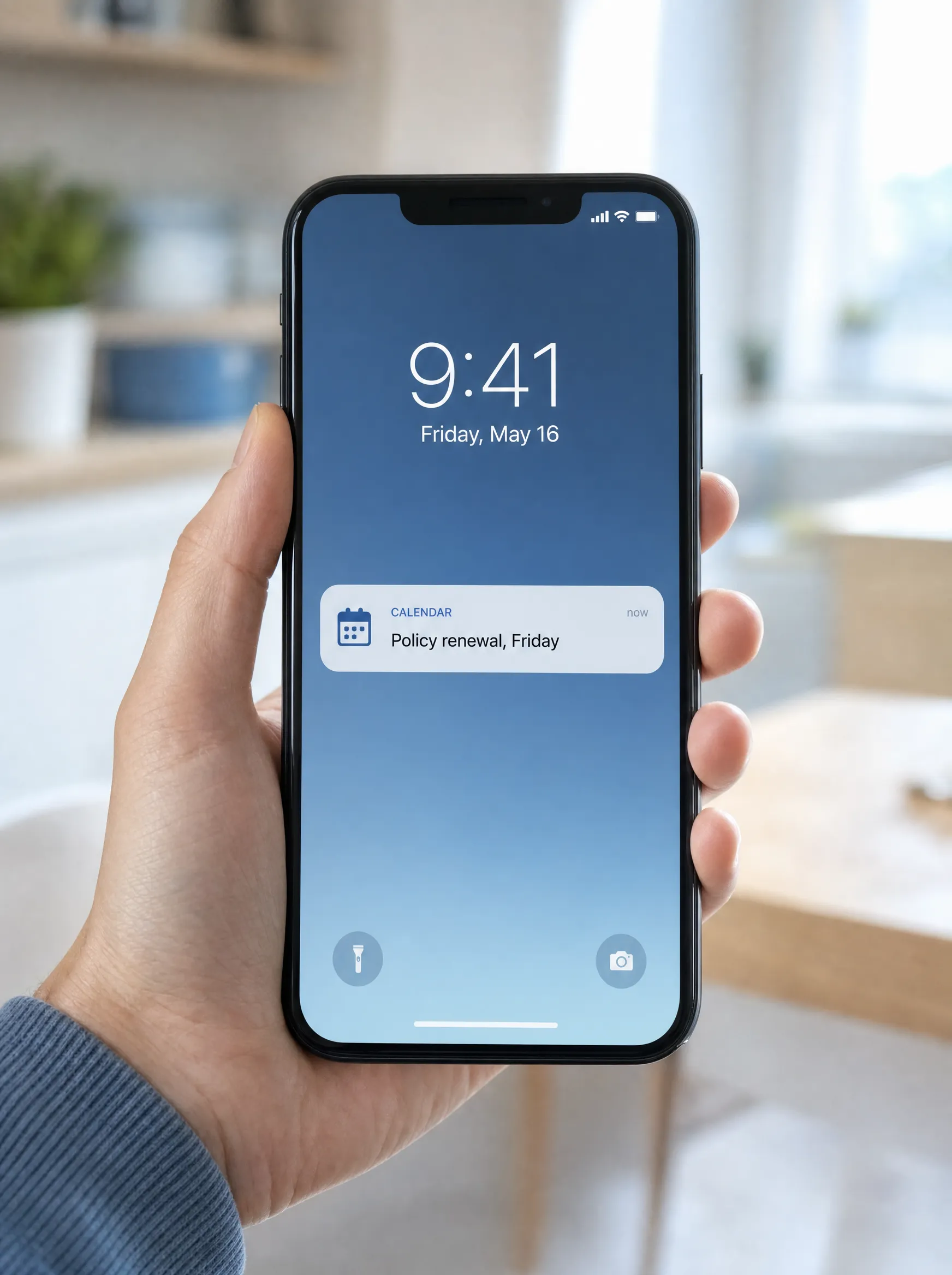
A hand holding a phone, a calendar reminder showing on the lock screen

A reminder channel your customers cannot miss.

Four reasons a calendar feed lands where email and SMS keep failing.

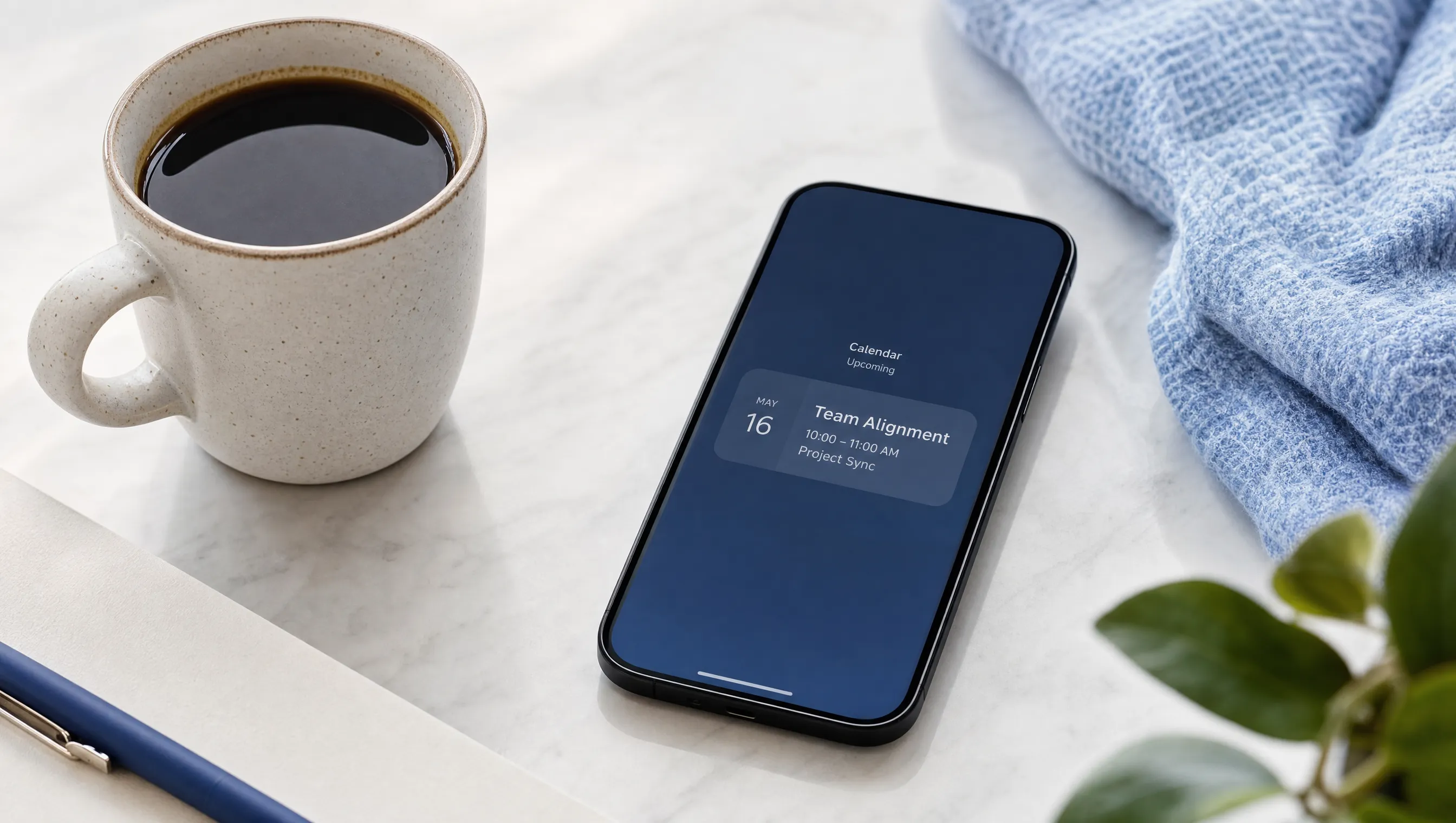
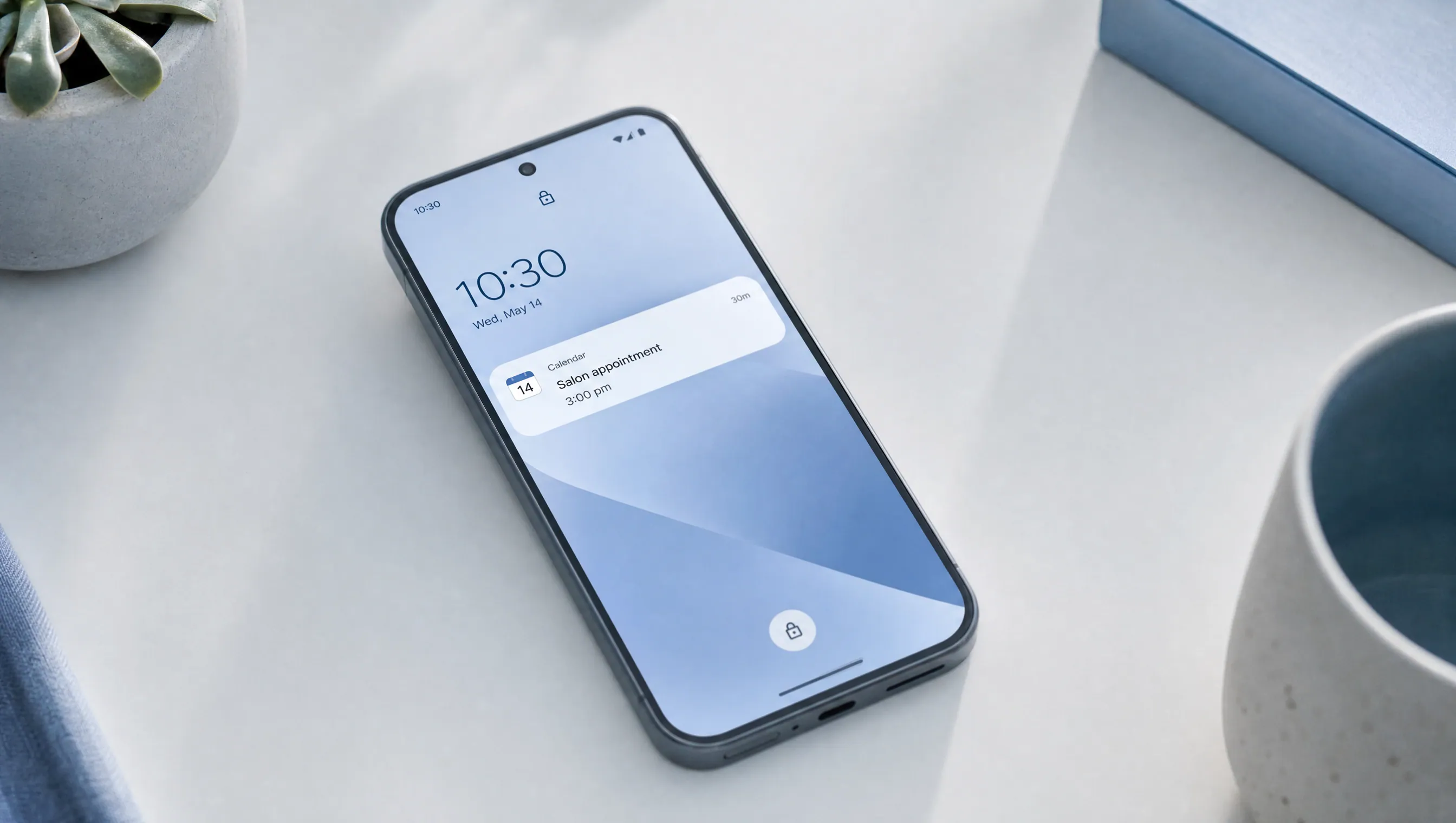
A phone resting on a desk showing a calendar reminder on the lock screen

Lands on the lock screen.

The reminder shows up as a notification on your customer's phone, the same alert they would get for any calendar event, right when the date is near. Not buried in an inbox. Not lost in a muted SMS thread. On the lock screen, where people actually look.
Nothing for customers to install.

They tap once to add your reminders to the calendar app already on their phone. From then on, notifications arrive on their own.

The right place for your dates.

Your reminders live in the calendar your customer already plans their life around, not in an inbox they ignore. They subscribe once, and every date you add appears there on its own.

Clear results.

A simple dashboard shows who is subscribed and whether reminders are landing. See it working without guesswork.

Standard calendar feed.

No SDK, no app review, no permissions prompt. Built on the format every modern phone already trusts.

How it works.

Three steps, then it runs on its own.

  1. 01

    Add your dates.

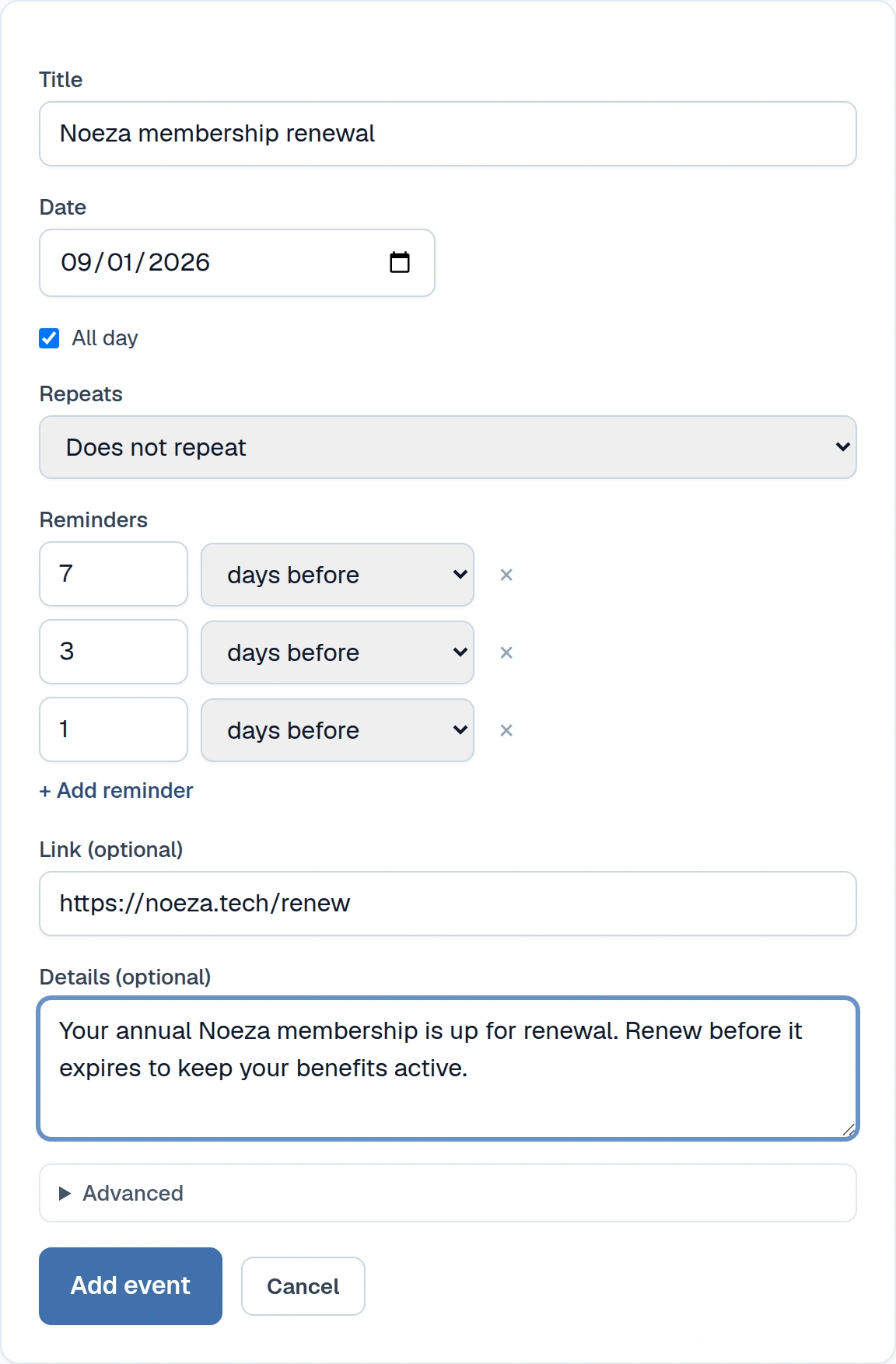
    Add the events you want customers reminded about, or import them in bulk from a spreadsheet you already keep. Add more whenever new ones come up, all from one place.

    Adding an event in the Noeza dashboard, with the reminder timing set
  2. 02

    Customers subscribe with one tap.

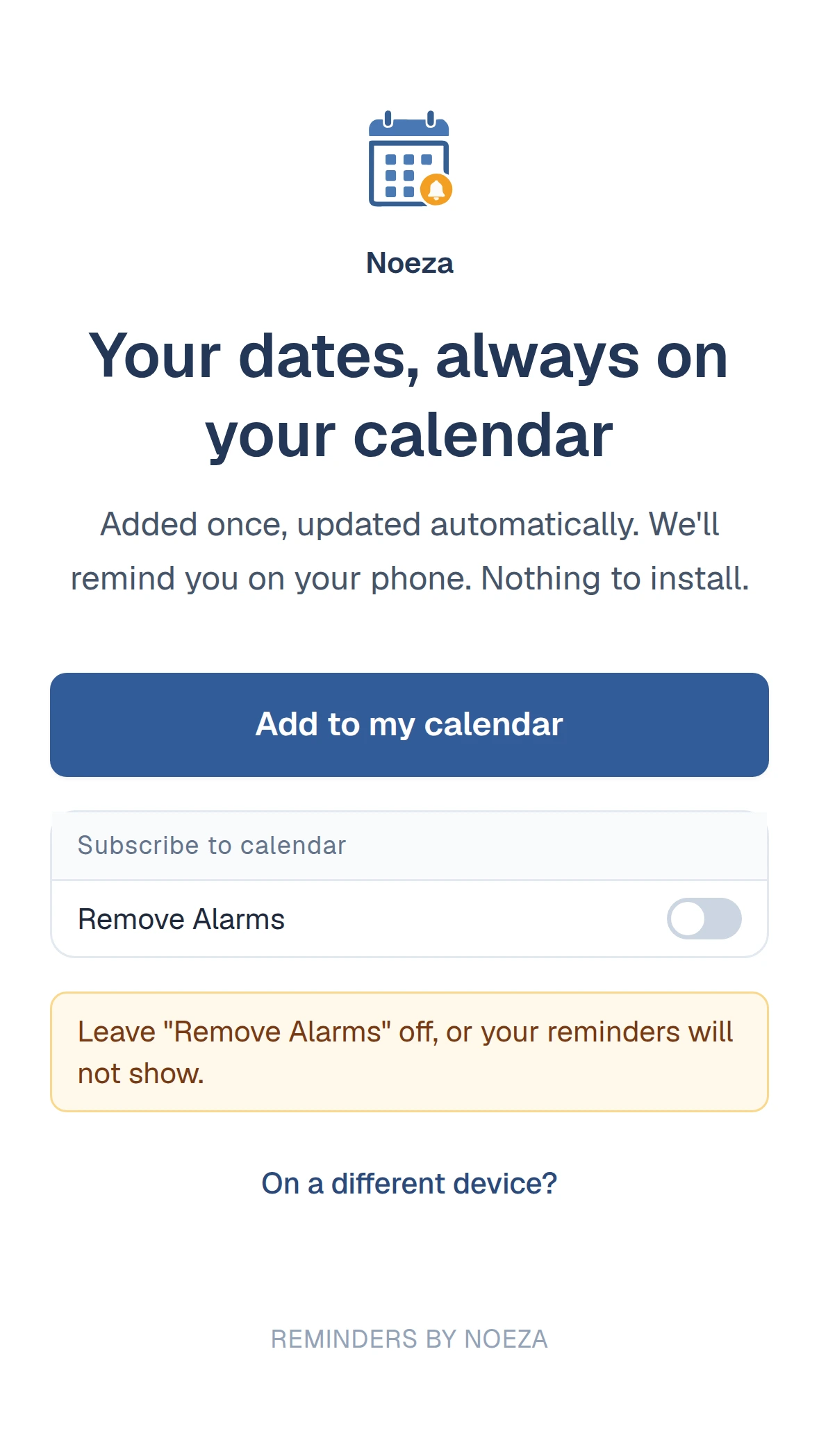
    Each customer gets a branded link or QR code. One tap adds their personalized calendars with reminders to their phone. No app, no account, no download. That single tap is all they ever need to do. Every new date you add appears for them automatically.

    The branded subscribe page, with a one tap button to add the calendar
  3. 03

    Reminders arrive on their own.

    From then on, the customer’s own phone does the work. As each date nears, it raises a reminder on the lock screen. And because it lives in their own calendar, the date is there the moment they look, not only when the reminder arrives.

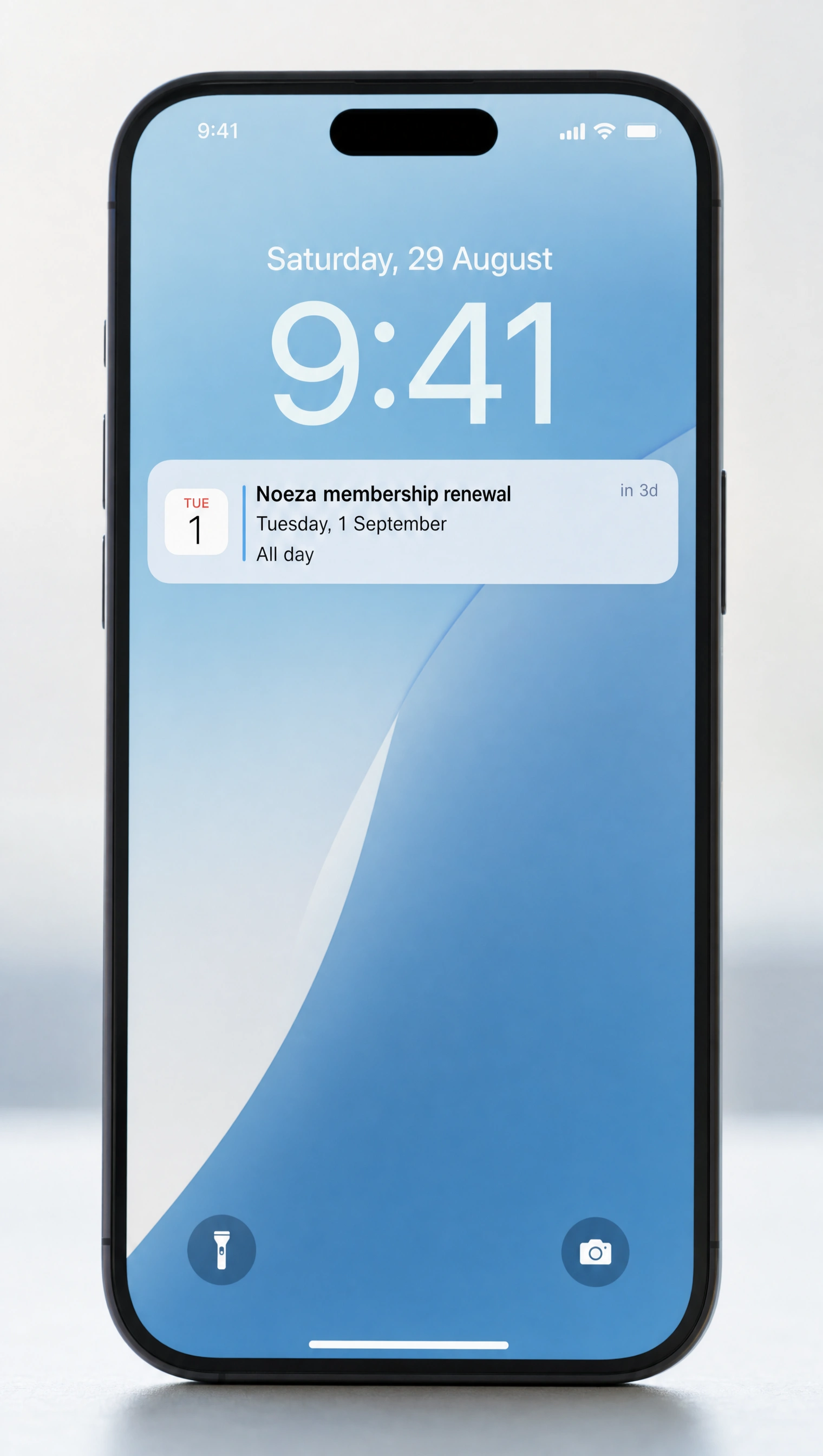
    A phone lock screen showing a Noeza reminder notification ahead of the date

Notifications on the lock screen.

The whole point is the alert that appears on your customer's phone. A notification on the lock screen, right before the date that matters.

Noeza delivers it through the calendar already on their phone, which is why there is no app for them to install and no notification they can ignore. The reminder behaves like any other calendar alert, because that is exactly what it is.

A smiling person holding out a phone, a calendar reminder showing on the lock screen

Four more reasons it sticks.

The mechanics that keep subscribe rates high and reminders landing.

A coffee cup beside a phone showing a calendar event

No install, and a real convenience for customers.

They tap a link once to subscribe, and that is the end of their effort. No app to download, no account to create, nothing to learn. Every date you add later appears on their calendar automatically.

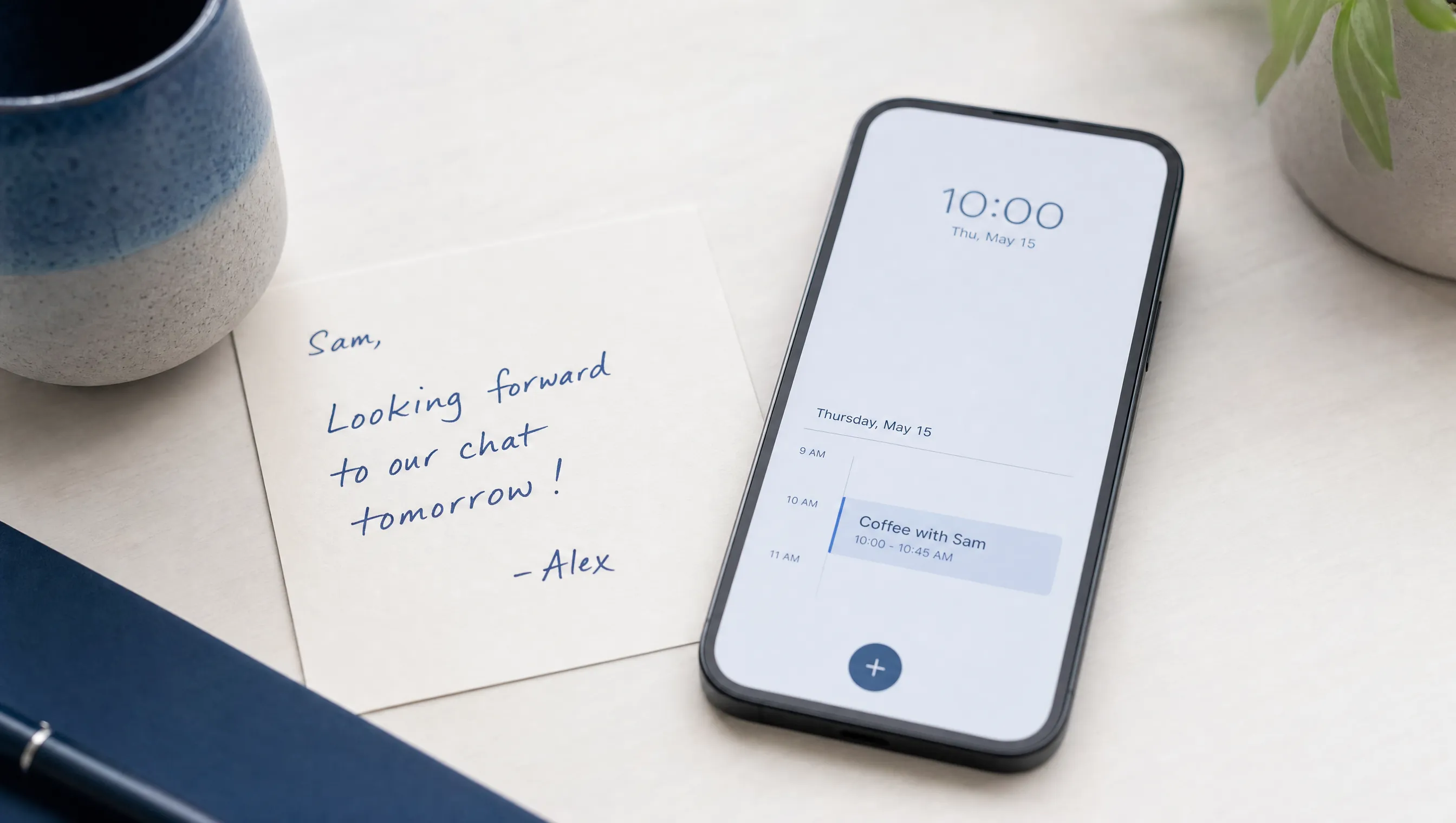
A handwritten note beside a phone showing a personalized calendar entry

Personalized for every customer.

Every customer gets their own private set of reminders, tied to a unique, unguessable link. Each person sees only their own dates, worded for them, not a generic broadcast.

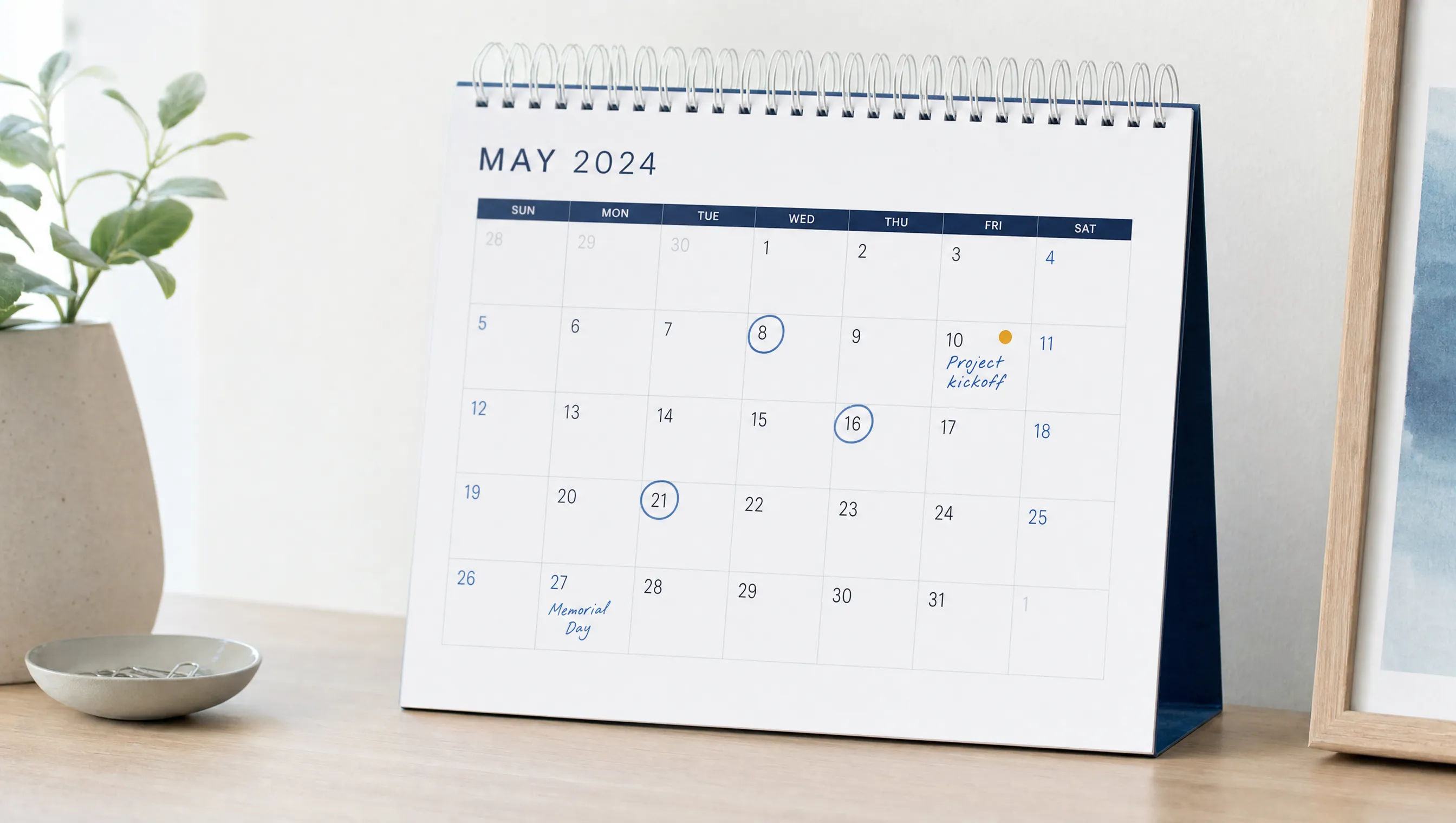
A desk calendar with several dates circled

Any date, on autopilot.

Renewals, appointments, or any personalized event you want remembered. Set a date once and Noeza handles the rest: recurring reminders, staged nudges before each date, and a link back to your page built right into the event.

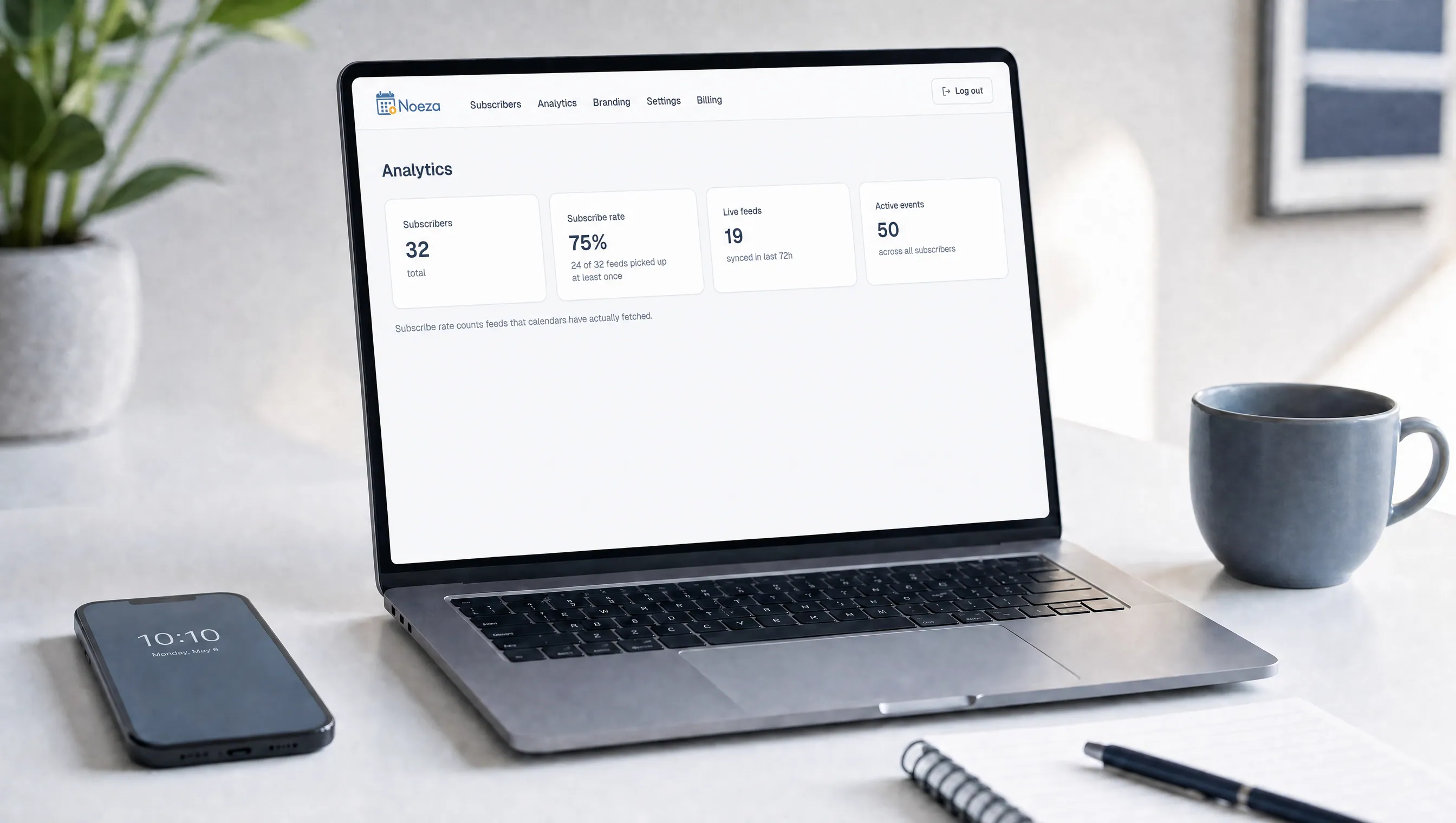
A clean laptop dashboard view with simple subscribe-rate numbers

Analytics that are actually simple.

See who is subscribed, who is not, and whether each customer’s calendar is still live and receiving updates. Track your subscribe rate over time. The numbers that matter are right there when you log in.

Built on the open calendar standard.

Noeza uses the same calendar format every modern phone and computer already trusts, which is how a reminder reaches the lock screen with no app behind it. No SDK, no permissions prompt, no app review. Your customers add your reminders the same way they would add a sports schedule or a shared family calendar, and the notifications simply start arriving.

Simple for them, simple for you.

Your customers tap once and never think about it again. No install, no login, just reminders that show up when they should. You add dates and watch the results. There is no technical setup on either side, which is exactly why subscribe rates stay high and the notifications keep landing.

One channel, many uses.

Wherever a missed date means a lost customer or a missed visit, Noeza puts the reminder where it will actually be seen.

  • A broker at a small office reviewing paperwork

    Insurance brokers

    Policy renewals.

  • A bright clinic reception with a soft morning light

    Clinics

    Patient appointments.

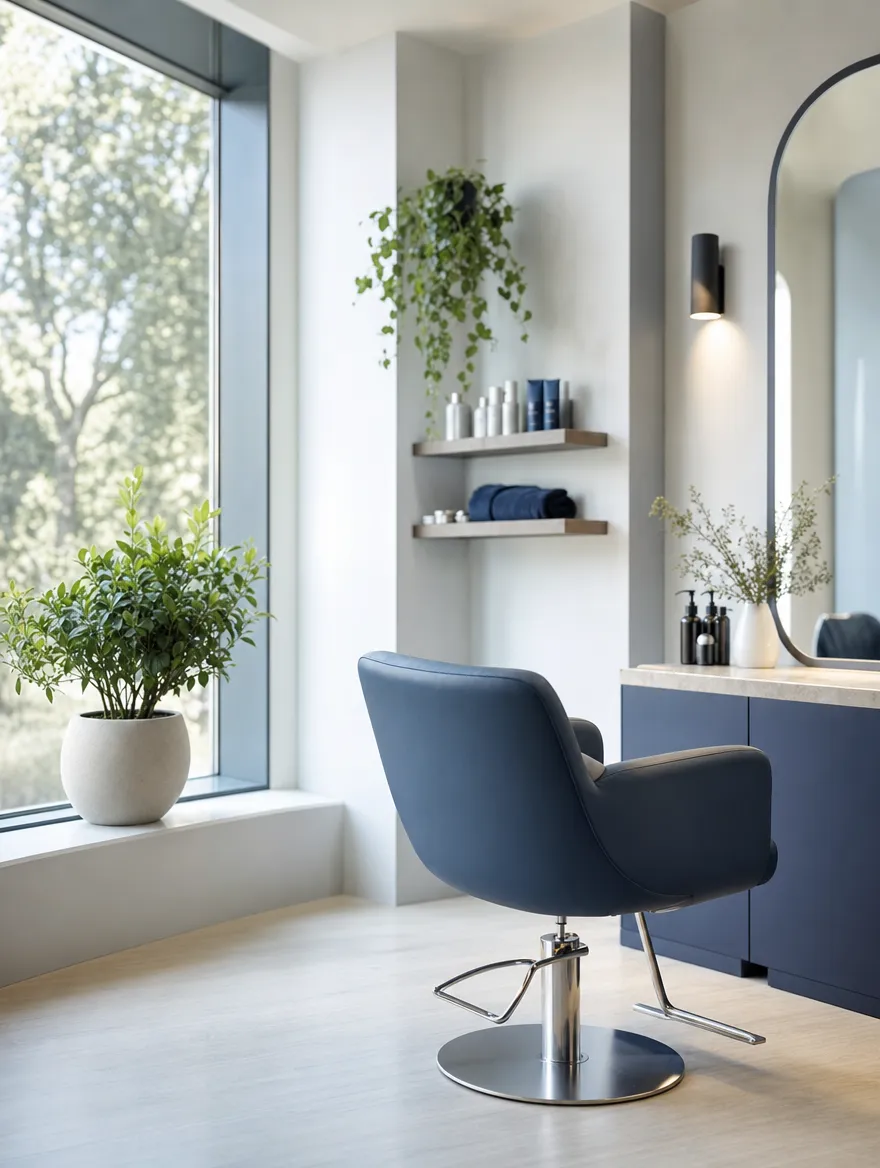
  • A salon chair beside a window with plants

    Salons

    Booking reminders.

  • An empty gym floor lit by morning sun through tall windows

    Gyms

    Membership renewals.

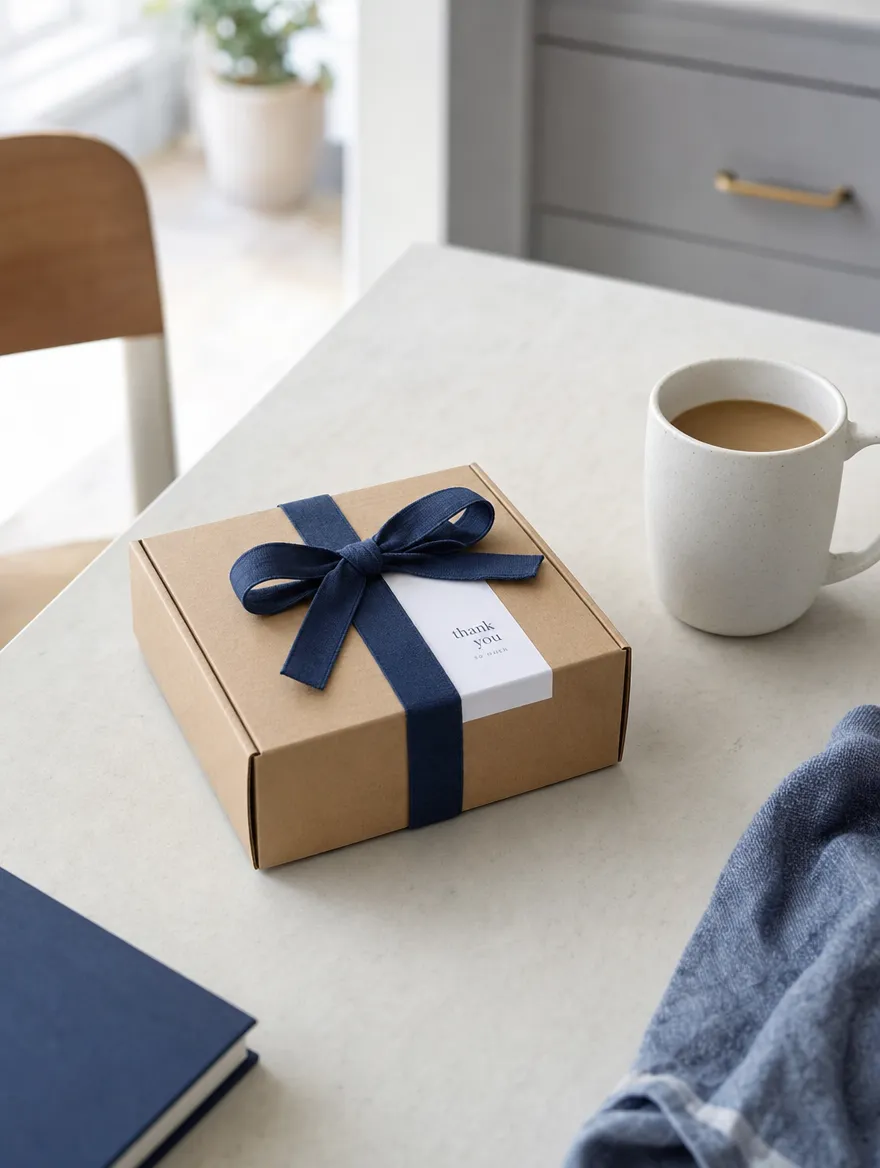
  • A small parcel and a coffee on a kitchen table

    Subscriptions

    Billing dates.

Stop losing customers to reminders no one sees.

Put your important dates on your customers' lock screens, delivered through the calendar they already use, with nothing for them to install.

Start free trial

Free to start. No card required.